Exploring OneCal alternatives?
Looking for the right calendar sync and scheduling tool? Here's an honest breakdown of OneCal vs. the alternatives to help you pick the best fit.
Why thousands of users choose OneCal over the alternatives
Calendar sync and scheduling tools promise a lot. Here is what actually makes OneCal different, and why our users stick around.
Calendar Sync
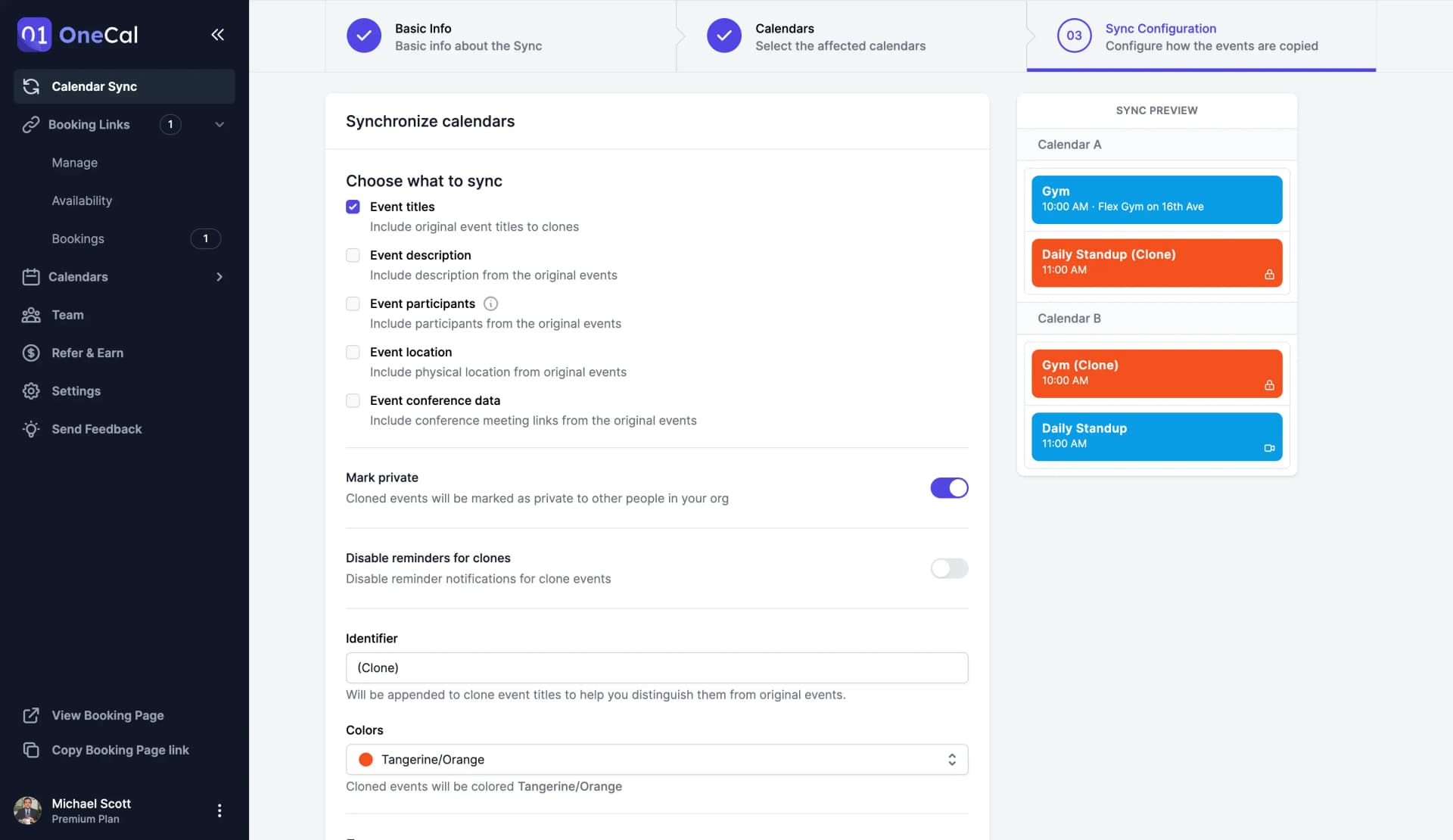
Real-time calendar sync across every account
Keep Google Calendar, Outlook and iCloud calendars in sync within seconds. No manual refresh, no missing events, no double-bookings. Every calendar mirrors the rest automatically, with full control over what stays private.
Scheduling Links
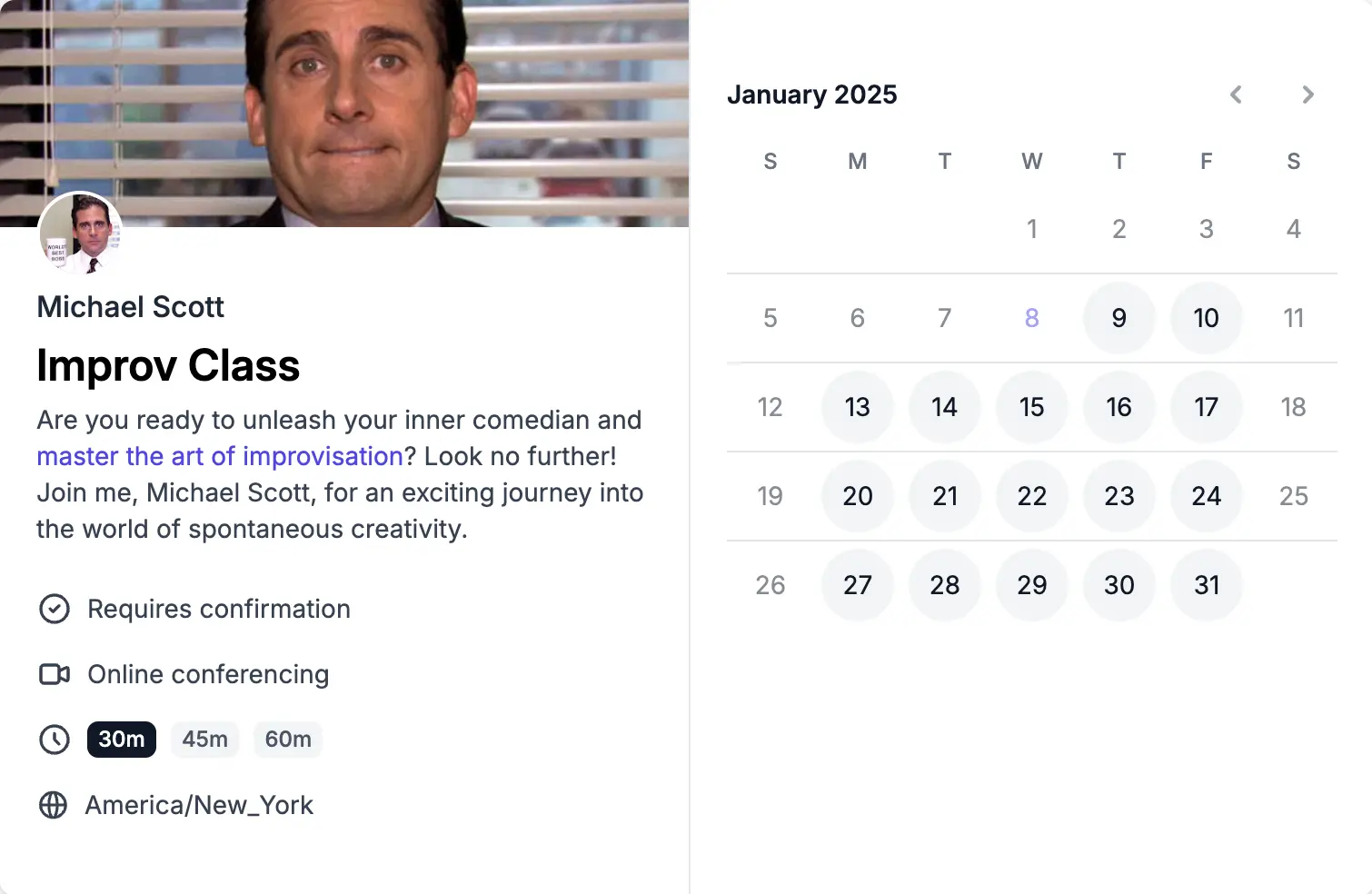
Booking links that check every calendar
Share a single scheduling link that respects availability across every calendar you connect. One-on-one, group and collective bookings, all in your OneCal plan.
Unified Calendar View
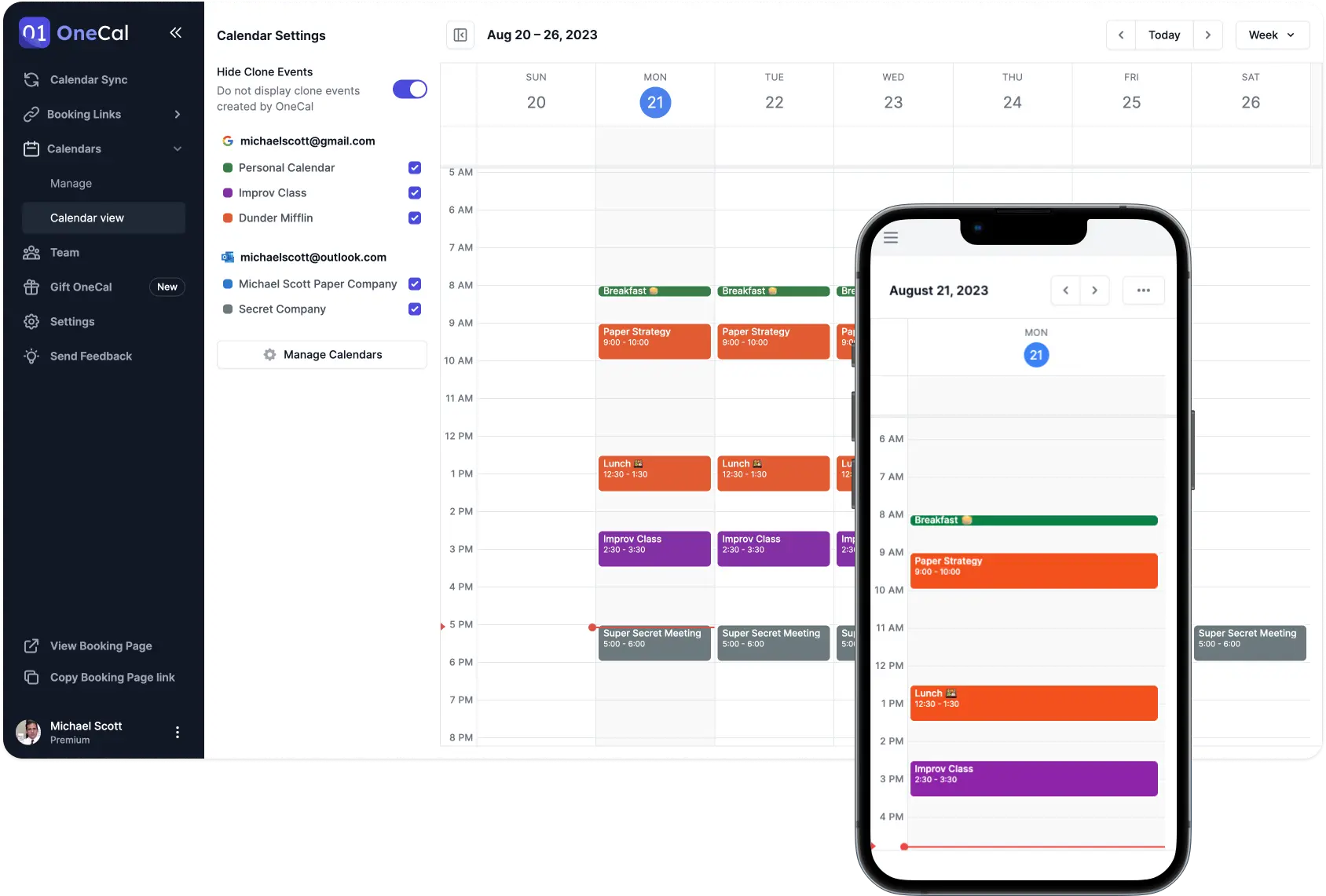
Every calendar in one unified view
See your personal, work and side-project calendars side by side in a single interface. Edit or create events across any account without switching tabs or losing context.
More reasons to love OneCal
- Zoom integration
- Auto-add Zoom links to every booking. No copy-pasting, no broken meetings.
- Zapier integration
- Connect OneCal to 5,000+ apps with pre-built Zapier triggers and actions.
- Team availability in Calendar View
- See your teammates' calendars side by side to find meeting times without back-and-forth.
- MCP server
- Give AI assistants like Claude and ChatGPT secure, structured access to your calendar data.
- Scheduling automations
- Send automatic reminder and follow up emails to attendees when bookings are created, rescheduled or cancelled.
- Human customer support
- Fast, thoughtful replies from the team that builds OneCal, and cares about the users.
- iOS & Android apps
- Your unified calendar and booking links travel with you on mobile.
- Group scheduling
- Book meetings with multiple hosts or attendees using collective scheduling links.
- Branded scheduling links
- Add your logo, colors and custom domain so booking pages feel like part of your brand.
You are in good company. OneCal is trusted by thousands of users from organizations like


How OneCal compares to other solutions
Pick a tool you're considering and see a head-to-head breakdown of features, pricing and use cases.



"OneCal is the only way I found to consistently sync my work (Outlook) and personal (Google) calendars. I tried all the suggested free methods and none were successful. I rely on both calendars and am so pleased I can see them together everywhere I look!"

"I primarily utilize OneCal to keep multiple calendars synced so that different organizations can see my shared schedule. This one tool helps me manage tons of calendars effectively and my coworkers, clients, and companies can all keep track of my schedule in real-time."

"The ability to sync multiple calendars so I can stay on top of my life is really important to me. It made it much easier than other products I tried."

"I really appreciate how OneCal solves my need to have all of my calendars synced, so I'm not double booking time on my calendar. It's super easy to set up, and I found the user interface very nice to work with. Once I signed up, I had everything syncing in just a few minutes."

"OneCal solved ALL calendar issues!
I have 5 different gmail calendars and OneCal is like, 'Not a problem!'
I need multiple booking links - OneCal - 'Not a problem.'
I had an issue (user issue for sure) and A REAL PERSON from OneCal is emailing me with a solution before the end of day.
You simply cannot beat this tool or their amazing support. "

"This has been a true life-saver to have updates syncing in real-time and eliminates the need for a third-party calendar sharing view for me. Was a breeze to set up as well. Thank you for inventing this!"

"The clean layout and constantly evolving features make it really easy to navigate and great value. It has good integrations with other websites and really quick to load as well. It's made my ROI really high and works great."

"I use OneCal for syncing between three different calendars - day job, my own business, and personal calendar. It solves the big problem of not double booking across different parts of my life. I also appreciate not having to manually cross-check calendars while maintaining privacy on my day job calendar."

"During my search for a meeting scheduling solution, I discovered OneCal. I realized that it could effortlessly address all my calendar-related issues. The setup process was incredibly intuitive, and I can't think of a single drawback to this solution. I had it up and running in just three minutes. "

"It's a once-and-done setup, a few minutes to add and sync the calendars and then you never need to touch it again. And reasonable permissions manifest as well. OneCal has been head and shoulders above any other interaction I've seen, with responsive devs eager to explain their design and even implement new features."

"I love OneCal for its ability to remove the chaos of scheduling across different time zones and schedules. I appreciate how it organizes both my personal and professional life, preventing me from missing important events like my kid's preschool graduation. The ease of use has significantly reduced my stress."

"I like that OneCal solves the problem of double bookings for me as a freelancer with multiple email accounts. It books meetings across all my calendars automatically, which is a major benefit. I use OneCal daily and appreciate how easy it is to set up and not have to look back."


"OneCal is the best service I have found for calendar synchronization and management. I synchronize seven calendars using a combination of Google Workspace and Office 365 calendars, and OneCal keeps everything in sync. It offers me an easy way to manage my busy schedule across seven engagements. The game changer is OneCal's customized booking links, each customized with a unique logo. I have tried other services, and while they work well, none work as quickly and cleanly as OneCal."

"I really like OneCal for its seamless experience and the fact it just works. I appreciate how it allows multi-to-multi calendar synchronization, making it possible to synchronize my work, private, and business calendars effectively. After trying multiple calendar tools, OneCal is the first one that actually works for me."

"Super easy to use, FANTASTIC support, pretty easy to integrate and implement. Use it daily. The calendar sync function alone is worth the price and the UI is excellent."
Frequently asked questions about OneCal alternatives
Switch to OneCal in minutes
Provide yourself and your team with the simplest and most configurable Calendar Synchronisation tool in the market.
Get 20% discount + assistance with onboarding and migration if needed.